E-Sanchit ICEGATE Registration Process in 2025: Step-by-Step Guide
Page Contents (5)
The Indian trade system is moving fast. Paper files are fading. In their place, digital systems now lead the way. This shift isn’t just for speed—it’s about control, safety, and simplicity. At the center of this change is E-Sanchit, a platform under the ICEGATE (Indian Customs Electronic Gateway).
E-Sanchit helps importers, exporters, and customs brokers. It lets them upload and manage supporting trade documents online. No need to carry stacks of papers to Customs.
Before E-Sanchit, each Customs office had to check papers manually. Officials had to verify, stamp, and file every document. This led to delays and made room for errors or even malpractice. Today, E-Sanchit ensures transparency. It tracks who uploads what, when, and where.
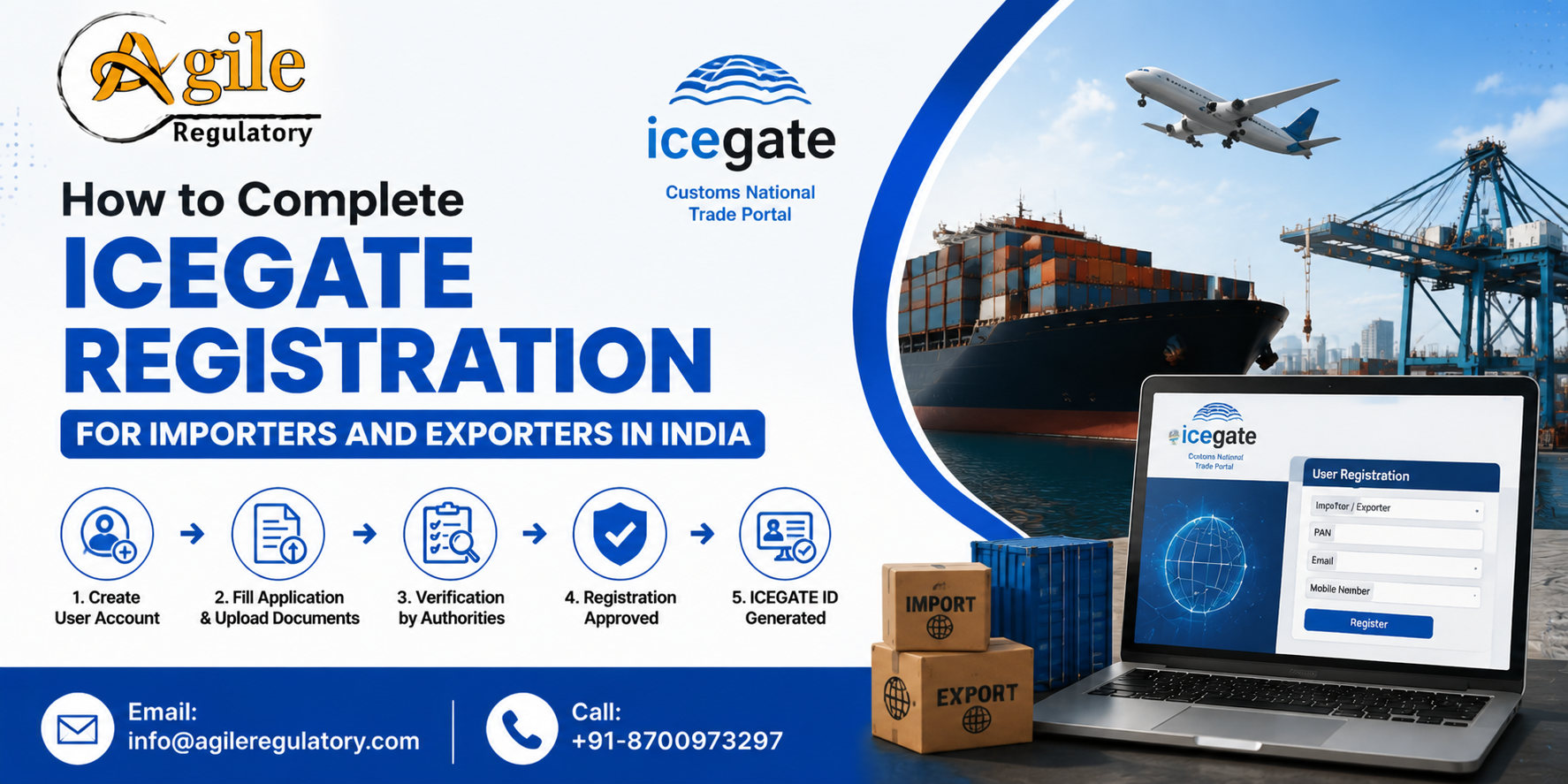
But to use E-Sanchit, you must first register through ICEGATE. This blog will explain that registration process in simple steps. We’ll also show why this platform is key for businesses that import or export goods in India.
What is E-Sanchit?
E-Sanchit stands for Electronic Storage and Computerized Handling of Indirect Tax documents. This system is designed by the Central Board of Indirect Taxes and Customs (CBIC). Through this system, users can:
- Upload required trade documents digitally
- Tag documents with customs filings (Bill of Entry or Shipping Bill)
- Share documents with Customs officers for review
These documents may include:
- Certificates of Origin
- Licenses from DGFT
- Technical Write-ups
- Product Catalogues
- Test Reports
- Insurance and Freight Documents
The idea is simple. Customs officers don’t need to ask for the same document twice. Once you upload your documents, they remain in the system. Every department can access it from the same place.
Why Registration is Needed for ICEGATE
ICEGATE is the gateway portal. It connects traders with the Indian Customs. It handles electronic filing for:
- Import/export documents
- Bills of Entry
- Shipping Bills
- Online payments
- Tracking of cargo status
To access E-Sanchit, a business first needs an active ICEGATE ID. Without it, uploading or tagging documents on E-Sanchit is not possible. Registration also links the business’s Import Export Code (IEC) to the platform.
When registered, businesses can:
- Upload trade documents through E-Sanchit
- Track document status
- Respond to document queries from Customs
- Get alerts and updates via email or SMS
Now, let’s walk through the full process.
AD Code Registration on ICEGATE
Get Free Consultation!
Step-by-Step E-Sanchit Registration on ICEGATE
Follow the steps below to complete your registration properly.
Step 1: Visit the ICEGATE Website
Go to the official ICEGATE portal: https://www.icegate.gov.in
Click on the option that says ‘Login/Signup’ at the top-right corner.
Step 2: Select “Simplified Registration”
For new users, click ‘Simplified Registration’ from the login page. This path is meant for businesses using ICEGATE services for the first time.
Here, choose ‘Importer/Exporter’ as the user category.
Step 3: Enter Basic Business Information
Fill in your basic business details:
- IEC Number (issued by DGFT)
- GSTIN (linked with IEC)
- Company Name (must match DGFT records)
- Registered Email and Mobile Number
Make sure all data matches government records. Mismatches may delay the approval.
Step 4: OTP Verification
You will get an OTP (One-Time Password) on both email and mobile. Enter both OTPs to verify your contact information.
This step is required to confirm that you are the authorised IEC user.
Step 5: Create Login Credentials
Set a secure Username and Password. This will be your login for all ICEGATE services, including E-Sanchit.
You will also be asked to select a security question and answer, in case you forget your password later.
Step 6: Submit and Wait for Approval
After submitting the form, ICEGATE verifies the details. Approval usually comes within 24 to 48 hours.
Once approved, you will get a confirmation email. After that, you can log in to your account.
Step 7: Start Using E-Sanchit
Now, from the dashboard, choose the E-Sanchit module. You can start uploading trade documents here.
Each document will be given a Unique Document Identification Number (UDIN) or Document Reference Number (DRN). This number is then linked with your Bill of Entry or Shipping Bill when filing customs clearance documents.
Best Practices for Using E-Sanchit
Using the portal is very simple if you follow some simple rules:
- Always scan documents in PDF format
- Keep the file size below 1 MB per document
- Use clear file names like “Invoice”, “Packing List”, etc.
- Do not upload the same document multiple times
- Keep track of your DRN numbers
Also, remember to use updated browsers like Chrome or Edge for smooth access.
Conclusion
The Indian trade sector is getting digital fast. If your business still uses manual filing or carries physical copies to customs, you risk delays and penalties.
By registering for ICEGATE and using E-Sanchit, you save time, improve document accuracy, and build trust with government authorities. Most importantly, you stay compliant with Customs procedures.
Need help with ICEGATE or E-Sanchit registration? We can assist you with document setup, portal registration, and post-registration use. Our experts can guide you at each step—so your compliance stays strong and your business keeps moving.

About the Author
View ProfileNishi Chawla
Content Writer & Compliance Specialist
Nishi is an expert content writer with expertise in Business Legal Compliances, Certifications, and Registrations — BIS, EPR, Medical Devices, Cosmetics, Drugs, and Import Export. She holds a B.Com from the University of Delhi and has been writing industry content since 2019.